DARKSIDE BASE SKIN FOOTBALL MANAGER 26
Updated: May 2
The Darkside FM26 Skin for Football Manager 2026 improves readability and match immersion. The modern dark interface is easy to navigate and presents player data, match stats, and tactical information in a clean and organised layout.
When combined with the DF11 Facepack, real player faces are displayed throughout the game, creating a more realistic Football Manager 2026 experience.
✅ New Darkside FM26 Base skin version released
A new version of the Darkside Base Skin FM26 has been released. Version 4.8 includes improvements and updates to remain fully compatible with the latest Football Manager 2026 game version.
If you enjoy customizing Football Manager 2026 with skins, graphics, and facepacks, the Darkside skin is a must-have!
⚙️ How to Install the Skin in Football Manager 26?
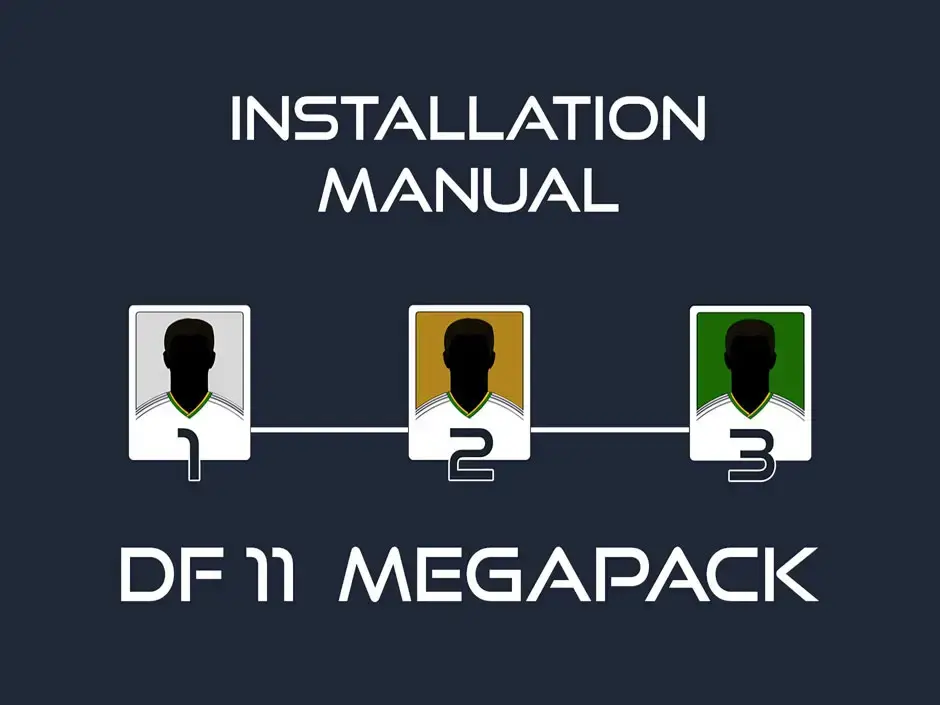
Installing the FM26 Darkside Base Skin is easy. Just follow the steps 1-5 below.
1. Download the Skin
Download the Darkside Skin bundle archive at high speed.
Choose the bundle that matches your operating system.
2. Locate Your Football Manager 2026 Game Folder
Your installation folder will usually be located here:
Steam installation
\Steam\steamapps\common\Football Manager26\fm_Data\StreamingAssets\
aa\StandaloneWindows64\
Xbox Game Pass installation
\XboxGames\Football Manager 26\Content\fm_Data\StreamingAssets
\aa\StandaloneWindows64\
3. Create a Backup of the Original Files
Before installing the skin files, it is strongly recommended to create a backup of the original files located in the StandaloneWindows64 folder. (You only have to do this once)
4. Make Sure Your Game Is Clean
Please make sure your Football Manager 2026 installation is unmodded!
Mixing files from different mods can cause conflicts. If you're unsure, verify your game files via Steam or Game Pass first.

How to verify the FM26 game files?
➤ Open steam ➤ Library ➤ Football manager 26
1. Open the Menu and open Properties.
2. Select ➤ Files Installation.
3. Verify the integrity of the (original) game files.
5. Copy the Skin Files
Now, copy the files from the downloaded archive into the StandaloneWindows64 folder.
When prompted, choose Replace / Overwrite existing files.
That's all!
Now start Football Manager and enjoy your new FM26 skin interface.
✨ Darkside Skin FM26 - Built by 'Darkside' with the help of the Football Manager Community
Projects like this show how strong and creative the Football Manager modding community is.
★ Author of the skin:
✪ Special thanks:
Lotsgon, sic, MW90, MrTini23, LuckyLuke, Flut, and the FMML Discord community, where creators and fans share ideas, feedback, and inspiration.
☆ Additional credits:
TinyHips – For sharing his pre-match lineups.
Ferrigi97 – For providing many additional pre-match lineups since version 3.0.
☑️ Recommended DF11 Facepack for this skin
The Darkside Skin for Football Manager 2026 (FM26) works with any facepack, but at DF11Faces.com, we recommend the Classic DF11 Facepack for the best visual experience.
The semi-dark interface of this popular FM26 skin perfectly highlights the distinctive DF11 player face style, making player portraits look even sharper and more realistic.
As an alternative, you can use the DF11 Pure Facepack, which offers a more minimalist look while still providing high-quality real-player faces in Football Manager 2026.
Both facepacks work seamlessly with the highly recommended Darkside FM26 skin.
🤝 Support the FM26 skinning community.
Are you happy with this skin? Then keep in mind that having this skin in your FM26 game is not a given. Having this skin in your beloved FM26 game is not thanks to SI or Sega. You owe that to the dedicated online skinning community.
Ensure that these people receive the appreciation they deserve. Any contribution from your side will help the FM26 skinning projects grow. ➤ https://ko-fi.com/lotsgon
🔁 Sharing Policy
This post was created with permission from the original author, Darkside. If you like to share this skin on your website, please contact him first.